
Gamma Ai
Gamma is an AI tool for creating presentations, documents and simple web pages from a prompt or outline; the Windows app opens it from the Microsoft Store.
1.2 MB

Microsoft Copilot is Microsoft's free AI chatbot, and the Windows app puts it in its own window for questions, writing help and summaries.
Average 0.0 · ratings: 0
Thank you! Your rating is saved; you can change it. Could not save the rating. Please try again later. Too many ratings from your network today. Please try again tomorrow. The average appears after 5 ratings.
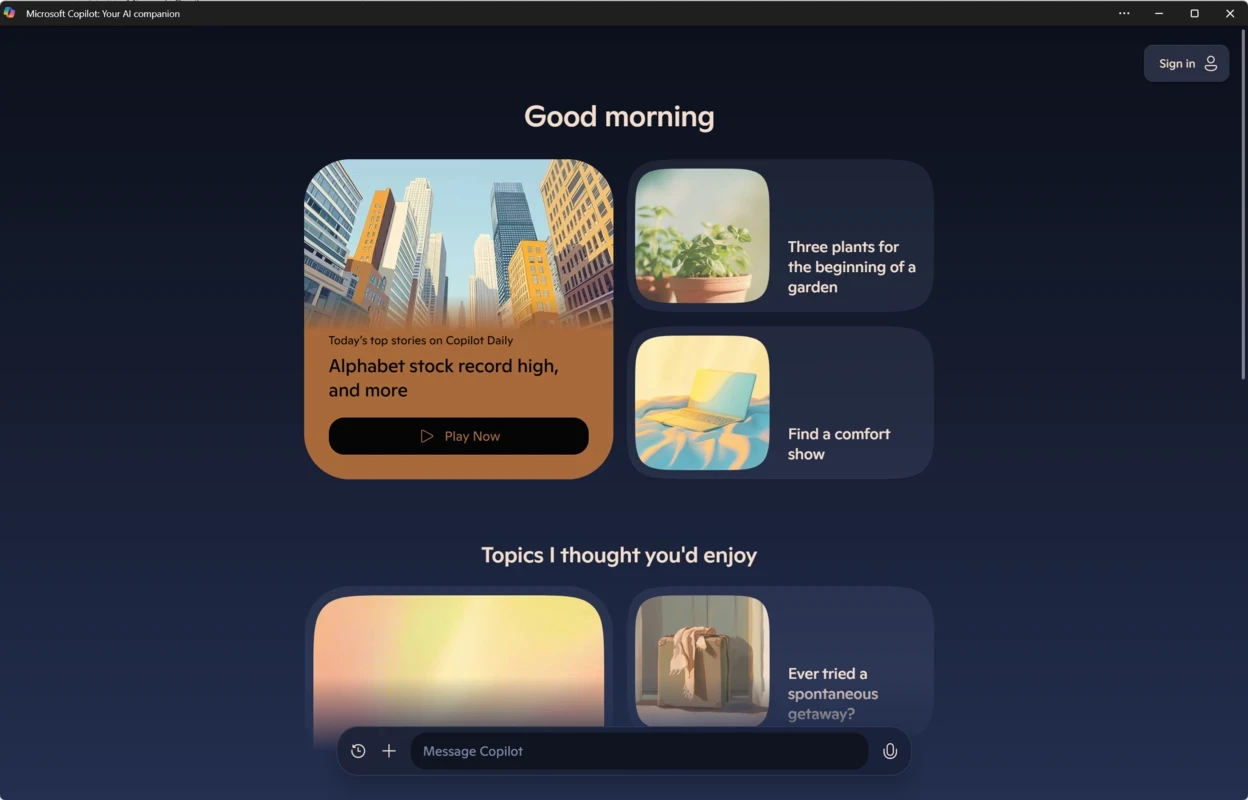
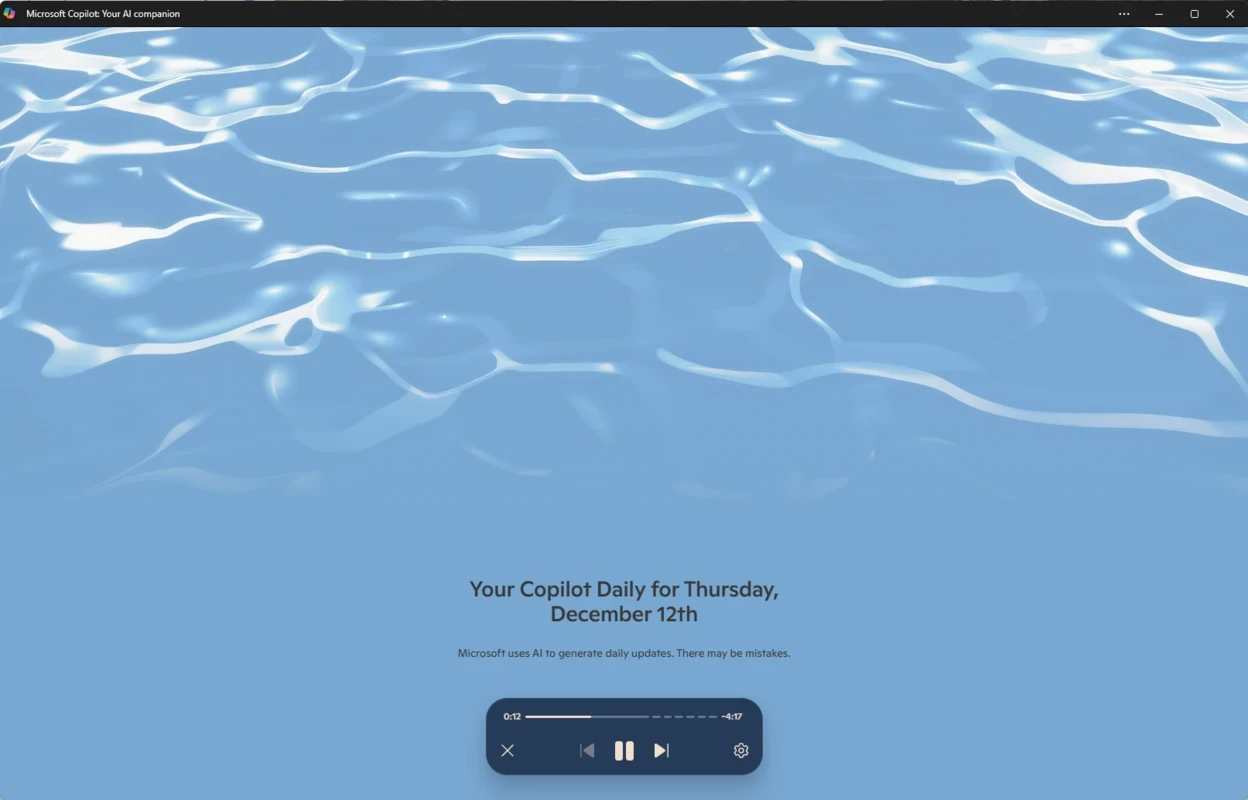
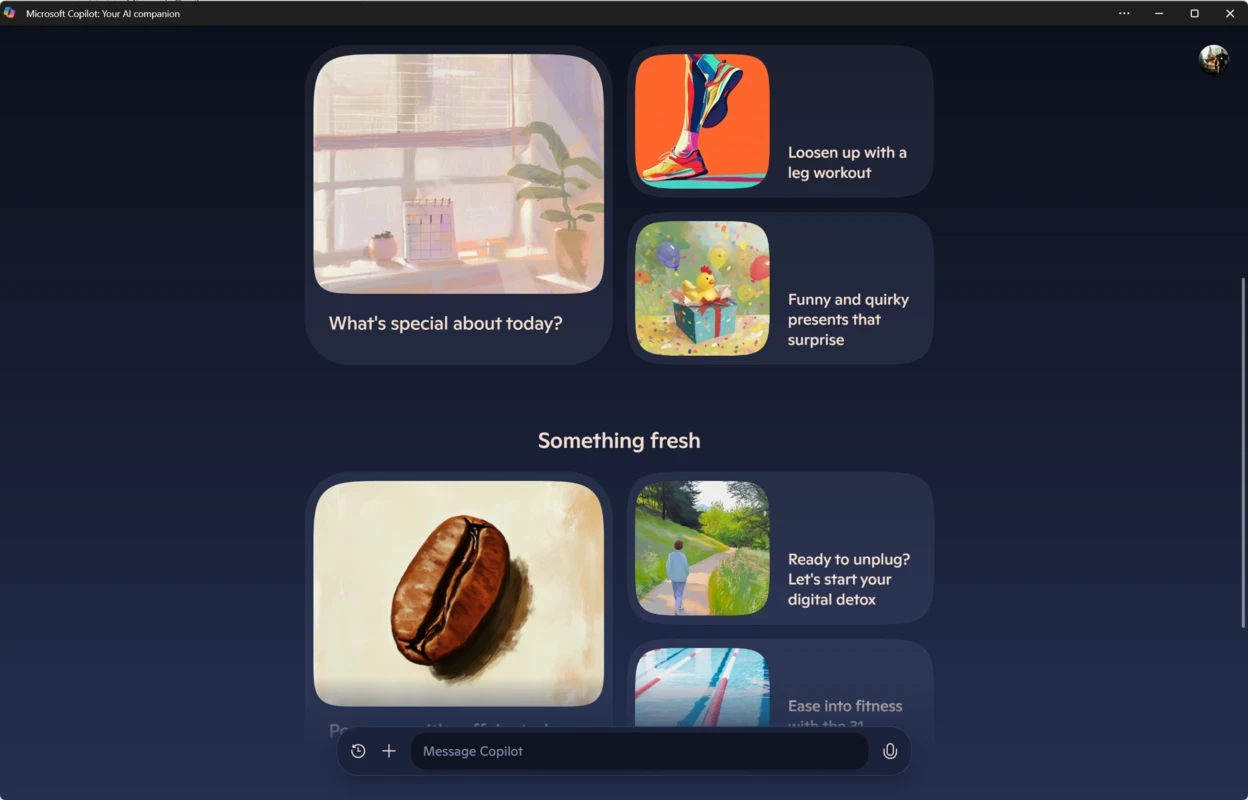
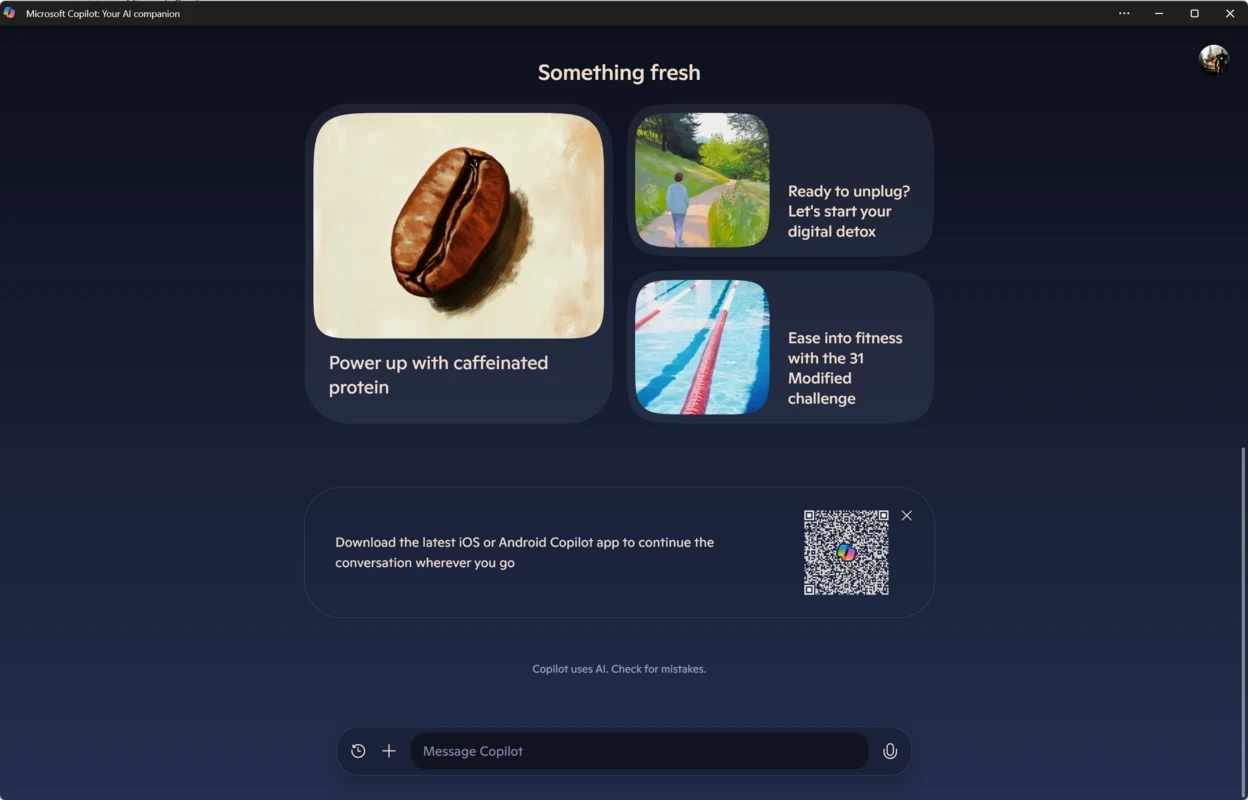
Microsoft Copilot 1.25121.84.0 is the Windows app for Microsoft's AI chatbot, a conversational assistant you can ask questions, give a draft to polish or hand a long text to summarise. The app is free, and the safest way to download Microsoft Copilot for Windows is the Microsoft Store listing or copilot.com.
Copilot started life inside Bing and Microsoft Edge: Microsoft introduced the chat on February 7, 2023, and it has since grown into a standalone assistant that runs in the browser, in Edge and as a Windows app. Wikidata lists OpenAI alongside Microsoft as a developer, and the service is built on OpenAI technology such as ChatGPT, GPT-4 and the image model DALL·E 3. In everyday use that means you type or paste something and get an answer in plain language: a rewrite of an awkward email, an explanation of a spreadsheet formula, a plan for a trip, a list of ideas for a presentation or a short summary of an article. Because it is a desktop app rather than a browser tab, it sits beside the programs you are working in, which makes copying text back and forth quicker. The models behind Copilot are updated regularly, so features and limits change over time; for a side-by-side look at current AI models, see the AI section of this site.
The catalogue lists the package at about 255.36 MB according to catalogue data; the Store will download whatever the current build is for your system.
The app is free to download and use; Microsoft offers paid plans with extra features, and their current terms are on copilot.com. Install Copilot only from the Microsoft Store or Microsoft's own site. Ads and download portals regularly push fake "AI assistant" installers that bundle adware or steal logins. Inside the app, treat chats as something that leaves your PC: do not paste passwords, card numbers or other people's personal data, and follow your employer's rules before sharing work documents. Answers can sound certain and still be wrong, so check figures, quotes and anything related to health, money or law.
Other AI apps for Windows in our listings are ChatGPT, OpenAI's desktop app for its chatbot, and Perplexity, an AI search engine that shows the sources behind its answers. Gamma Ai is a narrower tool aimed at building presentations with AI.
Gamma is an AI tool for creating presentations, documents and simple web pages from a prompt or outline; the Windows app opens it from the Microsoft Store.

ChatGPT for Windows is OpenAI's desktop app for its AI chatbot, used for writing, explanations, summaries, coding help and more.

Perplexity for Windows is the desktop app of the AI search engine that answers questions in plain language and shows the sources it used.